People often want to know how much time they’ve spent on Roblox, whether to keep an eye on their habits or simply out of curiosity. The problem is that the platform does not provide an obvious global timer in the player profile. You have to dig a little, combine several methods, and sometimes accept that tracking remains approximate.
Roblox Playtime: Why the Platform Doesn’t Clearly Display It
On most gaming services (Steam, PlayStation, Xbox), a playtime counter appears directly on the profile or in the library. Roblox works differently. The platform hosts thousands of independent experiences created by users, and each experience manages its own data.
The result: Roblox does not centralize total playtime in a single dashboard. Tracking time spent is mainly designed from a parental control perspective, not as a self-tracking tool for the player themselves. There are options in parental settings to limit and visualize a child’s daily time, but nothing equivalent for a standard adult account.
This absence drives players to seek alternative solutions. Discussions on forums and social media confirm it: many players simply want to know their total time without finding an immediate answer. To explore the available methods, you can check how to see your playtime on Roblox with Index Site and compare approaches based on your device.
Roblox Parental Control and Screen Time Tracking: What Can Be Gained
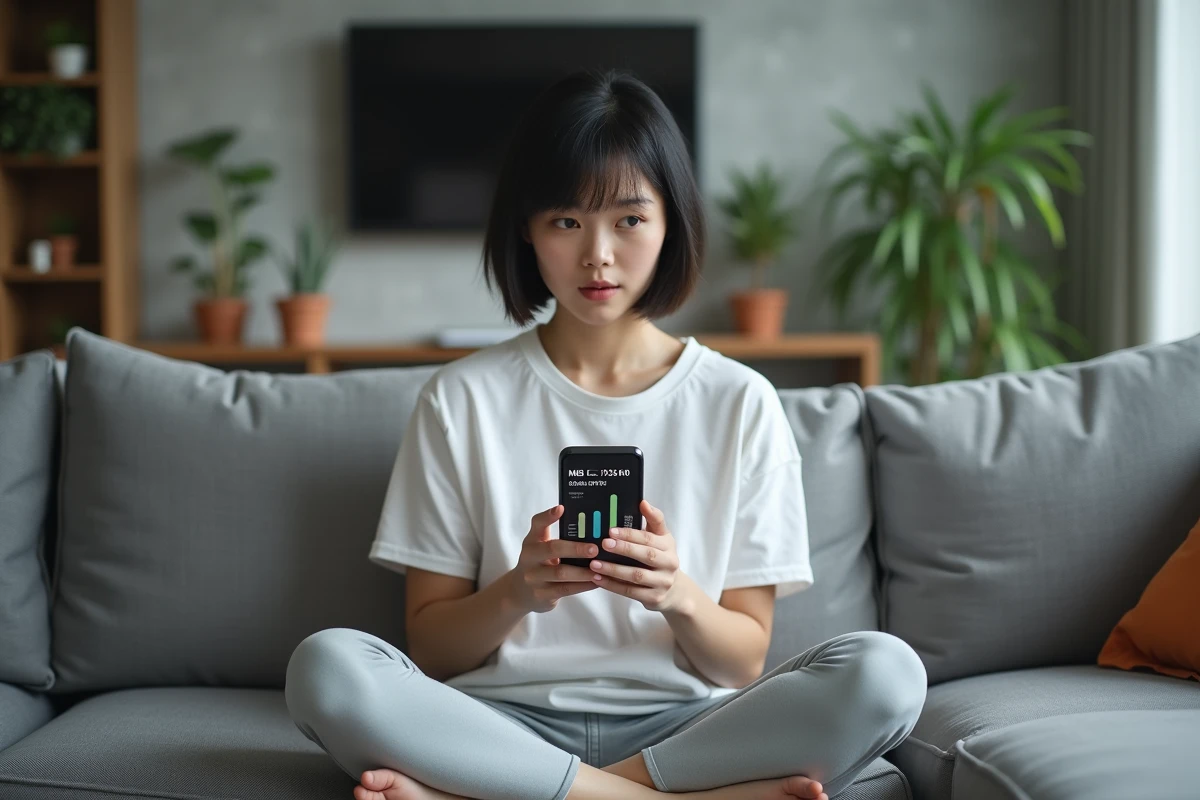
The only native feature that displays playtime data comes through parental controls. If a parent account is linked to the player account, an average screen time graph over seven days appears in the settings.
Accessing the Screen Time Graph
On a computer, click on the gear icon in the top right, then go to “Parental Controls.” On mobile, it’s the “More” menu in the bottom right, then “Settings.” The “Screen Time” section shows the weekly average and allows you to see the most used experiences.
This graph shows which experiences consume the most time, providing a concrete view of session distribution. You can also set daily limits: once the limit is reached, the platform blocks access for the rest of the day.
Limitations of This Method
The system requires a linked parent account. For an adult player managing their own account, this option simply does not exist. Feedback varies on this point: some players create a second parent account just to access these statistics, but this workaround is not very practical on a daily basis.
- The graph only covers the last seven days, not the complete account history.
- Only the main experiences appear; short sessions on minor games may not be recorded.
- Accuracy depends on connection regularity: if you play as a guest or offline occasionally, those sessions escape tracking.
Alternative Methods to Know Your Playtime on Roblox
Outside of parental control, several avenues allow you to estimate or track your time spent. None provide a perfect result, but combined, they offer a fairly accurate picture.
Tracking via the Operating System
On iOS, the “Screen Time” feature in settings details the time spent per app, week by week. On Android, “Digital Wellbeing” serves the same purpose. These tools account for all the time the Roblox app is open, including time spent in menus or browsing the catalog.
On PC, Windows offers limited activity history, but third-party time tracking software (like those used for productivity) can record the duration of Roblox Player or Roblox Studio usage.
Badges and Statistics in Experiences
Some popular experiences integrate their own counters. There are leaderstats systems that display the time spent in a specific experience directly in the in-game leaderboard. This is the case for several simulators and tycoon-type games.
The problem: each developer chooses whether or not to implement this tracking. There is no uniformity. You may have an accurate counter in one game and no data in the next.
Lua Scripts and Session Data for Developers
Experience creators on Roblox Studio have access to tracking tools via Lua scripts. By using DataStores, a developer can record each player’s session time and display it via a leaderboard or a custom interface.
- The local player variable combined with a timer allows for real-time connection duration calculation.
- DataStores save this data between sessions, making long-term accumulation possible.
- These scripts only work within the experience where they are deployed, not at the global Roblox account level.
For an average player, this approach remains out of reach. It mainly concerns those who develop their own games or play experiences where the creator has taken the time to add this tracking.
Tracking Your Roblox Playtime Daily: The Most Reliable Method
The most effective combination remains to cross-reference your phone or PC screen time with in-game data when available. You note your Roblox screen time each week via the operating system settings and check the counters integrated into the experiences you frequent the most.
For parents, Roblox parental control remains the most direct option. You just need to link your account to your child’s, then regularly check the “Screen Time” section in the settings.
Roblox has not yet deployed a personal dashboard for total playtime. As long as this feature is missing, tracking relies on external tools or the goodwill of experience developers. It’s a makeshift solution, but with the right habits, you can get a sufficiently accurate estimate to adjust your playtime.